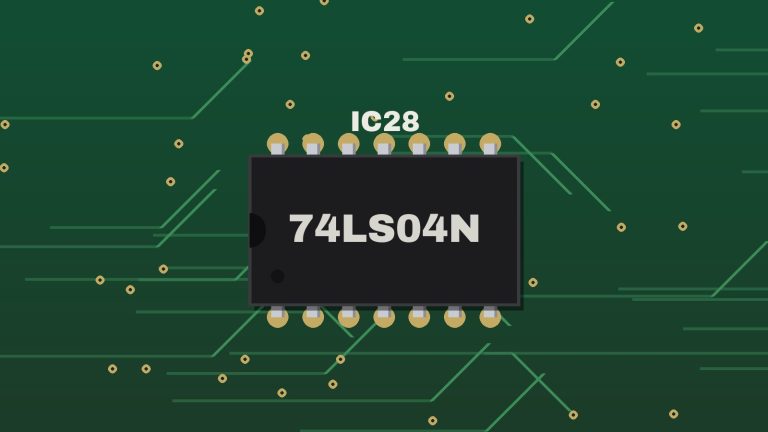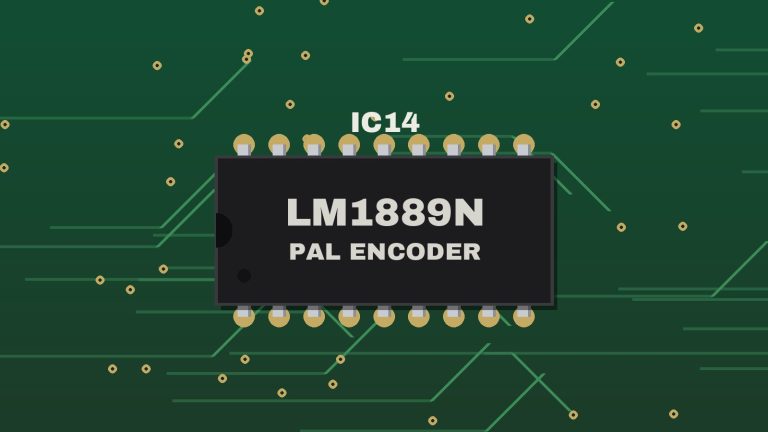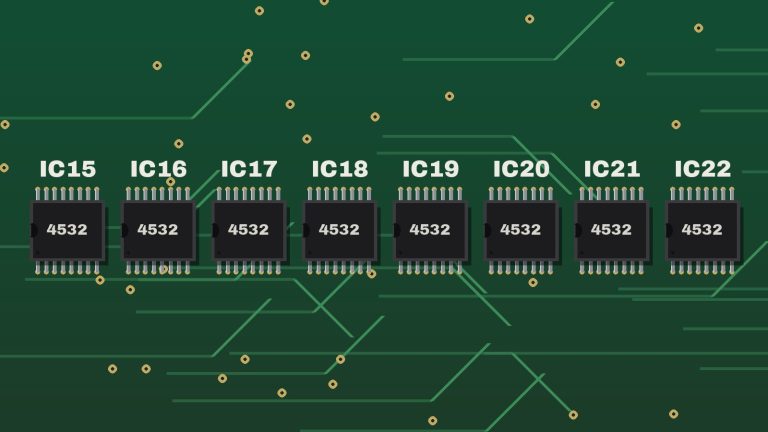
Most Spectrum repairs start here. The board takes about 9V from the power supply and makes three supplies from it: the 7805 regulator gives the +5V everything runs on, and a small DC-DC converter built around two transistors, TR4 and TR5, makes the +12V and −5V that the lower RAM (IC6–IC13) and the colour encoder (IC14) need.
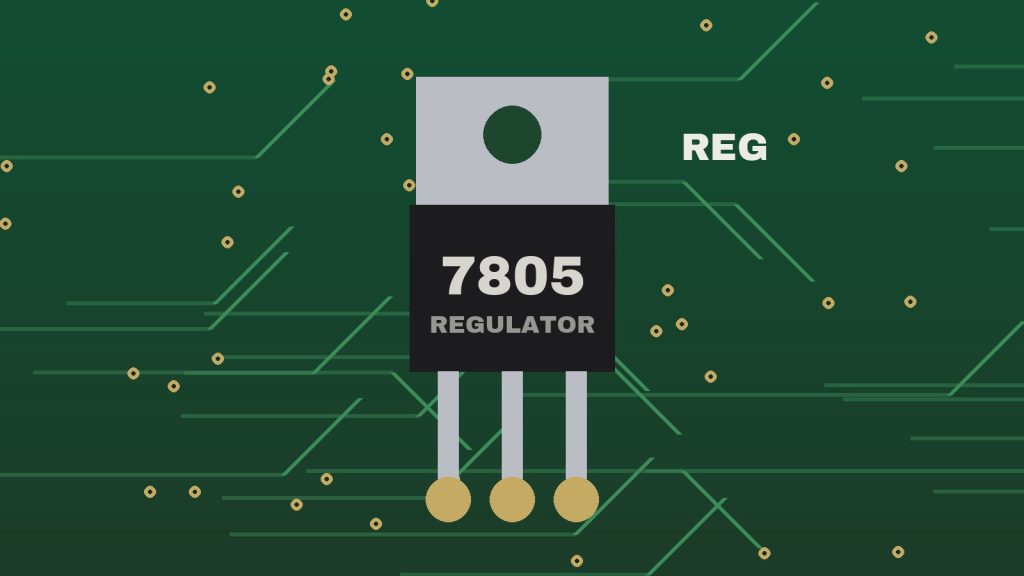
The 7805 regulator
The 7805 drops the supply to 5V and turns the rest into heat, which is why the Spectrum gets warm above the keyboard. Issue 2 boards mount it on its own heatsink; from Issue 3 it moved to the back of the board.
Measuring it
With the tab facing away from you, the right-hand leg is the 5V output:
| Reading | What it means |
|---|---|
| 4.85–5.2V | the regulator is fine |
| above 5.2V | the regulator is failing: replace it |
| about 4.3V up to normal | something on the board is pulling the 5V down: feel for a hot chip |
| near 0V | the regulator is dead, or a dead short is loading it: replace it, and find the short before powering up again |
The most common way to kill a 7805 is a power supply with the wrong polarity: the Spectrum’s plug is centre negative. The symptom is nothing at all: no picture and no key clicks.
Modern switch-mode drop-in replacements run cool and fit the same holes. They come in horizontal versions for Issue 2 boards in rubber-key cases, and vertical versions for Issues 3 to 6.
The DC-DC converter
TR4 (a ZTX650) and TR5 (a ZTX213), with a small coil, make the +12V and −5V. On any 4116 chip in the lower RAM, pin 8 should read about +12V and pin 1 about −5V.
Signs it has failed
- a screen full of a bright, shimmering herringbone pattern: the −5V is missing, usually because TR4 has failed
- no colour, or a poor picture, because the colour encoder runs from the 12V
- a coil that buzzes, which can mean shorted turns
Fixing it
If either supply is more than 1V out, check TR4 and TR5, which often fail as a dead short, then the diodes, the zener and the small resistors around them; discoloured resistors are a clue to where the current went.
Before fitting new transistors, find out why the old ones died. The most common cause is a 4116 in the lower RAM that has failed short: until it is found, new transistors will die too. Measure from pins 1, 8 and 9 of the 4116s to ground, and keep the first power-on short.
See the 7805 part page for suppliers, Before You Plug In for the checks to make before switching on, or the ZX Spectrum repair guide for the chips.