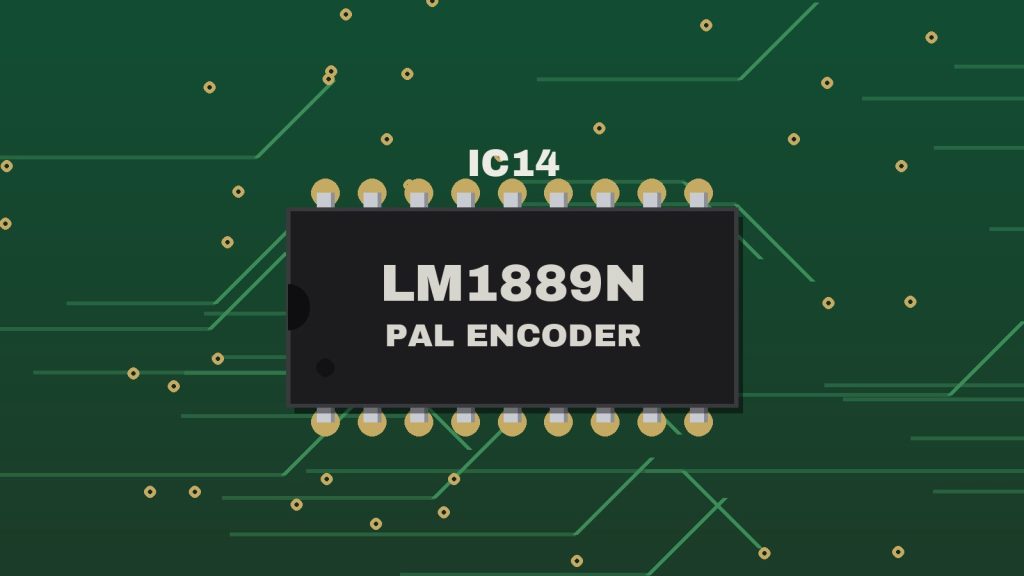
IC14 is the LM1889, which turns the ULA‘s video signals into a PAL colour picture and feeds the RF modulator that sends it to the TV aerial socket. Some Issue 4B boards, mostly in Spectrum+ cases, have a Texas Instruments SN94459N here instead; it is known for colour problems, and an LM1889 replaces it directly.
Signs it has failed
- a picture in black and white, or with no colour
- a yellow tint over everything
- colours that change from one line to the next
The machine itself keeps working, because the LM1889 only handles the picture. A ULA in poor health can give the same yellow or black-and-white picture, so check the LM1889 first, since it is cheaper and easier to replace.
Testing it
| Pin | What to see |
|---|---|
| 14 | about 12V (its supply) |
| 5 | 0V (ground) |
| 1 | about 9.5V |
| 17 | a 4V peak-to-peak square wave on a scope (the colour oscillator) |
Check pin 14 first. If the 12V is badly out, the fault is in the DC-DC converter, not the LM1889: see the power supply guide. On Issue 2 boards, try adjusting the trimmers (TC2, VR1 and VR2) before replacing anything.
Replacing it, or going around it
LM1889s are still available; fit an 18-pin socket. If you only use the Spectrum with a modern TV or monitor, the composite video mod gives a much cleaner picture and avoids the RF modulator.
See the ZX Spectrum repair guide for the other chips.