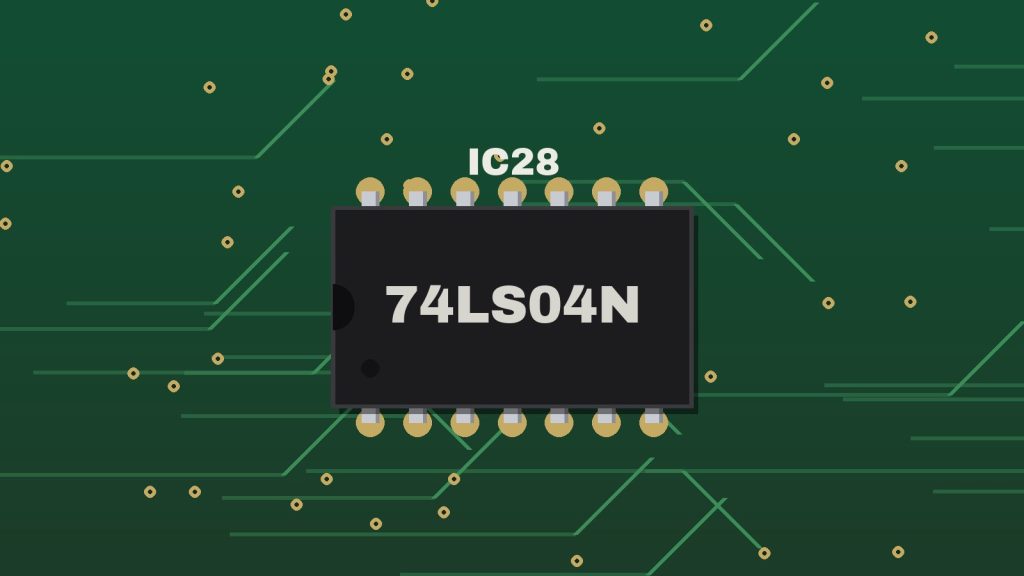
IC28 only appears on the later Issue 5 and Issue 6A boards. On those, Sinclair replaced six logic chips, IC3, IC4 and IC23–IC26, with one custom chip, the ZX8401 (also sold as the PCF1306P and the Amstrad 40058). IC28 is a 74LS04 that supplies the extra inverters the new circuit needs, including a delay on the RAM’s /RAS strobe.
If your board has IC3, IC4 and IC23–IC26, it does not have an IC28, and those chips have their own guides.
What a 74LS04 does
A 74LS04 holds six inverters: each output is the opposite of its input, high when the input is low and low when it is high.
| Pin | Function |
|---|---|
| 1 | Input 1A |
| 2 | Output 1Y |
| 3 | Input 2A |
| 4 | Output 2Y |
| 5 | Input 3A |
| 6 | Output 3Y |
| 7 | Ground |
| 8 | Output 4Y |
| 9 | Input 4A |
| 10 | Output 5Y |
| 11 | Input 5A |
| 12 | Output 6Y |
| 13 | Input 6A |
| 14 | +5V |
Signs it has failed
Because it sits in the RAM timing, a faulty IC28 can make a 48K machine see only 16K:
- a 48K machine that reports 16K:
PRINT PEEK 23732+256*PEEK 23733gives 32767 instead of 65535 - 48K games that load part-way and then crash or lock up
Testing it
Check 5V on pin 14 and 0V on pin 7. With a logic probe, each output should be the opposite of its input and pulsing while its input changes; an output stuck high or low while its input is changing points at the chip. Pressing a known-good 74LS04 on top of the suspect one, so every pin touches, is a quick check.
Replacing it
Use a 74LS04. The faster 74HCT04 is usually a direct swap for logic chips, but here the chip is part of the RAM timing, so keep to the original LS type. Cut the legs to remove the old chip without lifting pads, and fit a socket.
See the 74LS04 part page for suppliers, or the ZX Spectrum repair guide for the other chips.