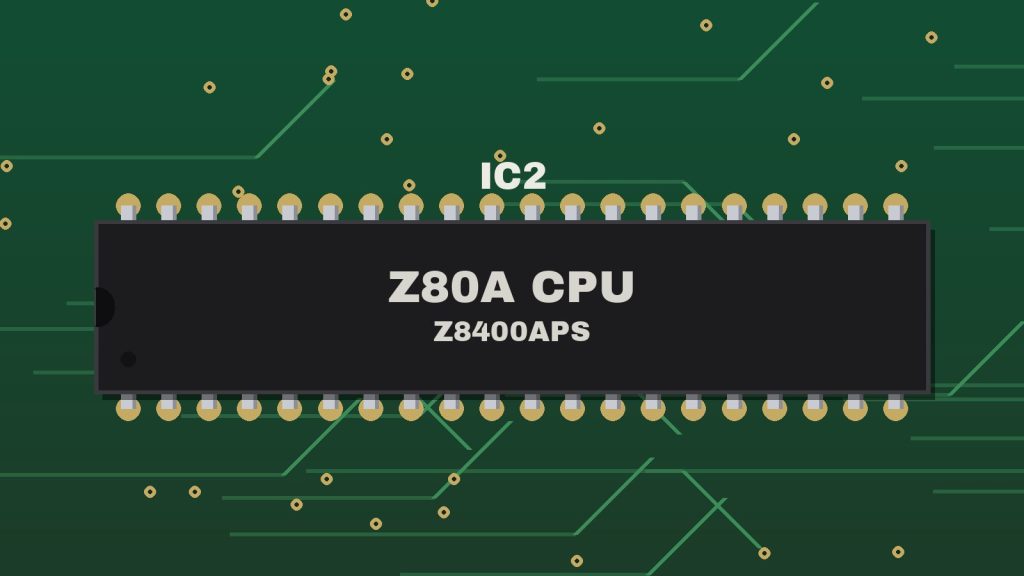
IC2 is the Z80A, the processor that runs the ROM and every program you load. It runs at 3.5MHz, using a clock that the ULA divides down from the 14MHz crystal, and the ULA also sends it the 50Hz interrupt the ROM uses to scan the keyboard.
What it connects to
Everything else on the board hangs off the Z80’s buses. Its address lines go to the ROM (IC5) and, through the multiplexers, to both banks of RAM; its data lines go to the ROM, the RAM and the ULA. Its control lines (/MREQ, /IORQ, /RD, /WR) tell the rest of the board whether each access is to memory or to an I/O port, and whether it is a read or a write.
Pins worth knowing
| Pin | Signal | What to see |
|---|---|---|
| 6 | Clock | 3.5MHz from the ULA: pulsing on a logic probe |
| 11 | +5V | 5V |
| 16 | /INT | a short low pulse 50 times a second, from the ULA |
| 17 | /NMI | high (only an interface like the Multiface pulls it low) |
| 19 | /MREQ | pulsing while the machine runs |
| 26 | /RESET | low for a moment at switch-on, then high |
| 27 | /M1 | pulsing: the start of each instruction |
| 28 | /RFSH | pulsing: refresh cycles for the dynamic RAM |
| 29 | Ground | 0V |
Signs it has failed
- nothing happens at switch-on: no copyright message, and the border is not the usual white
- the machine works on its own but crashes as soon as an interface is plugged in
- the upper 32K is unreliable, which can be a weak A15 address line from the CPU
A dead CPU is less common than a ROM or RAM chip that has failed in a way that holds the data bus, and from the outside the two look the same. Rule those out before you replace the Z80.
Testing it
Power on: check 5V on pin 11 and 0V on pin 29, then the clock on pin 6. No clock points at the ULA or the crystal, not the CPU. /RESET on pin 26 should go high a moment after switch-on; if it stays low, look at the reset circuit. With a clock, power and reset all good, the address lines (pins 1–5 and 30–40) should all be pulsing; a CPU with power, clock and reset but no activity on its address lines is the likely culprit.
If the machine gets far enough to run a diagnostic ROM such as ZX Diagnostics, it will also tell you whether the CPU fitted is the original NMOS type or a later CMOS one.
Replacing it
Many Z80s are soldered straight in, so remove the old one by cutting its legs and taking them out one by one, then fit a 40-pin socket. Modern CMOS Z80s (the Z84C00 family, at 4MHz or faster) are direct replacements, and they can also cure interfaces that misbehave because of the original chip’s weak M1 signal.
See the Z80 part page for suppliers, or the ZX Spectrum repair guide for the other chips.