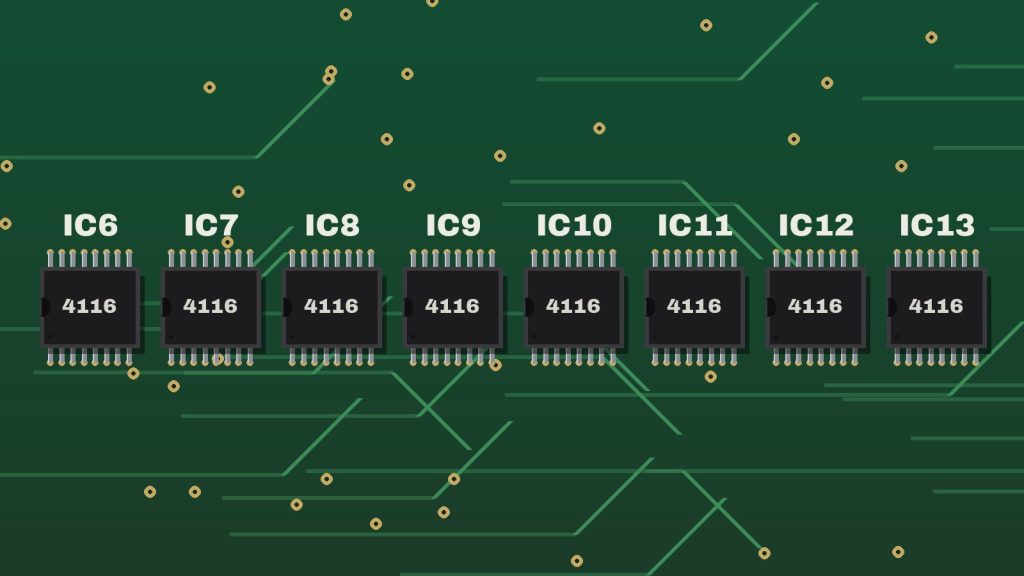
IC6 to IC13 are the lower 16K of RAM: eight 4116 dynamic RAM chips, each holding 16K × 1 bit, so every byte is spread across all eight. The lower 16K holds the screen and the system variables, and both the Z80 and the ULA read it, with the ULA reaching it through the address multiplexers IC3 and IC4. These are the chips that fail most often on a Spectrum.
Which chip is which bit
Each chip stores one bit of every byte, in order:
| Chip | Data line | Bit |
|---|---|---|
| IC6 | D0 | bit 0 |
| IC7 | D1 | bit 1 |
| IC8 | D2 | bit 2 |
| IC9 | D3 | bit 3 |
| IC10 | D4 | bit 4 |
| IC11 | D5 | bit 5 |
| IC12 | D6 | bit 6 |
| IC13 | D7 | bit 7 |
So when a diagnostic ROM reports a bad bit, this table tells you which chip to look at.
Three supplies
Unlike everything else on the board, the 4116 needs three supply voltages, made by the DC-DC converter (see the power supply guide):
| Pin | Supply |
|---|---|
| 1 | −5V |
| 8 | +12V |
| 9 | +5V |
| 16 | 0V (ground) |
The −5V must be present whenever the +12V is. A converter that loses its −5V, or produces the wrong voltages, can kill all eight chips at once, and a 4116 that fails short can pull a rail down and take the converter’s transistors with it. That is why a Spectrum with dead lower RAM often has a power fault too, and why the voltages need checking before new chips go in.
Signs one has failed
The screen lives in this RAM, so a fault usually shows straight away:
- wide black and white vertical bars with random colours, or vertical lines, instead of the copyright message
- a black screen with thin vertical dashes
- a screen that is fine from cold, then shows dashes and locks up as it warms
Testing them
Power off: measure the resistance from pin 1, pin 8 and pin 9 to ground. A reading near zero on any of them is a short, and with eight chips on the same rails, the fault could be any of them: lift one leg at a time, or remove chips, until it clears.
Power on: check the three supplies on one of the chips: about −5V on pin 1, +12V on pin 8 and +5V on pin 9. Keep the first power-on short if you suspect a short. A failing 4116 often runs noticeably warmer than its neighbours.
A diagnostic ROM such as ZX Diagnostics runs without needing working lower RAM. It shows eight coloured stripes in the border, bits 0 to 7 from top to bottom, green for a pass and red for a fail, and names the failed chips. Our Testing Lower RAM guide goes through it step by step.
Replacing them
Replacement 4116s are still easy to find. Check the +12V and −5V supplies are right before fitting any, or the new chips can die the same way. Desolder the old chips by cutting their legs and removing each leg on its own, then fit 16-pin sockets. The larger 4164 is not a replacement for the 4116: it runs from +5V alone and is wired differently.
See the upper RAM guide for IC15–IC22, or the ZX Spectrum repair guide for the other chips.